Companion Robots for Elderly Parents and Family: 9 Models Compared by Ease of Use, Monitoring and Charging [2026 Edition]
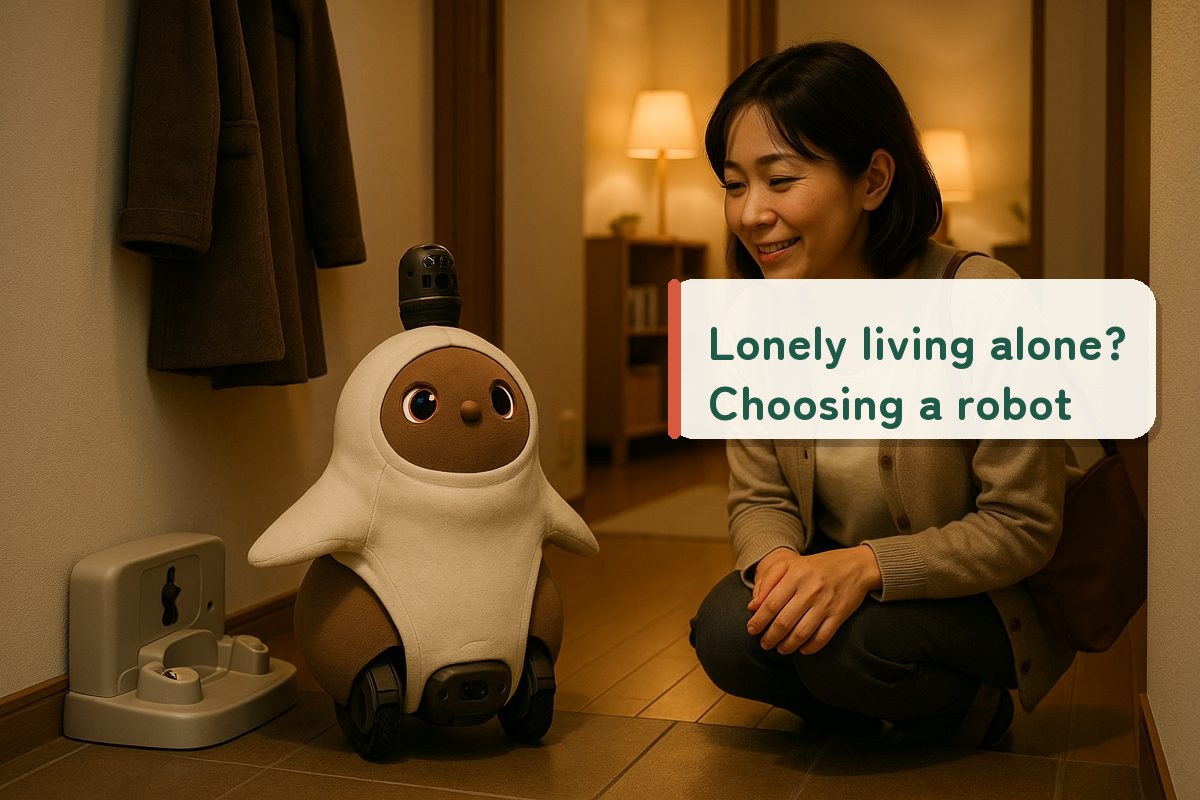
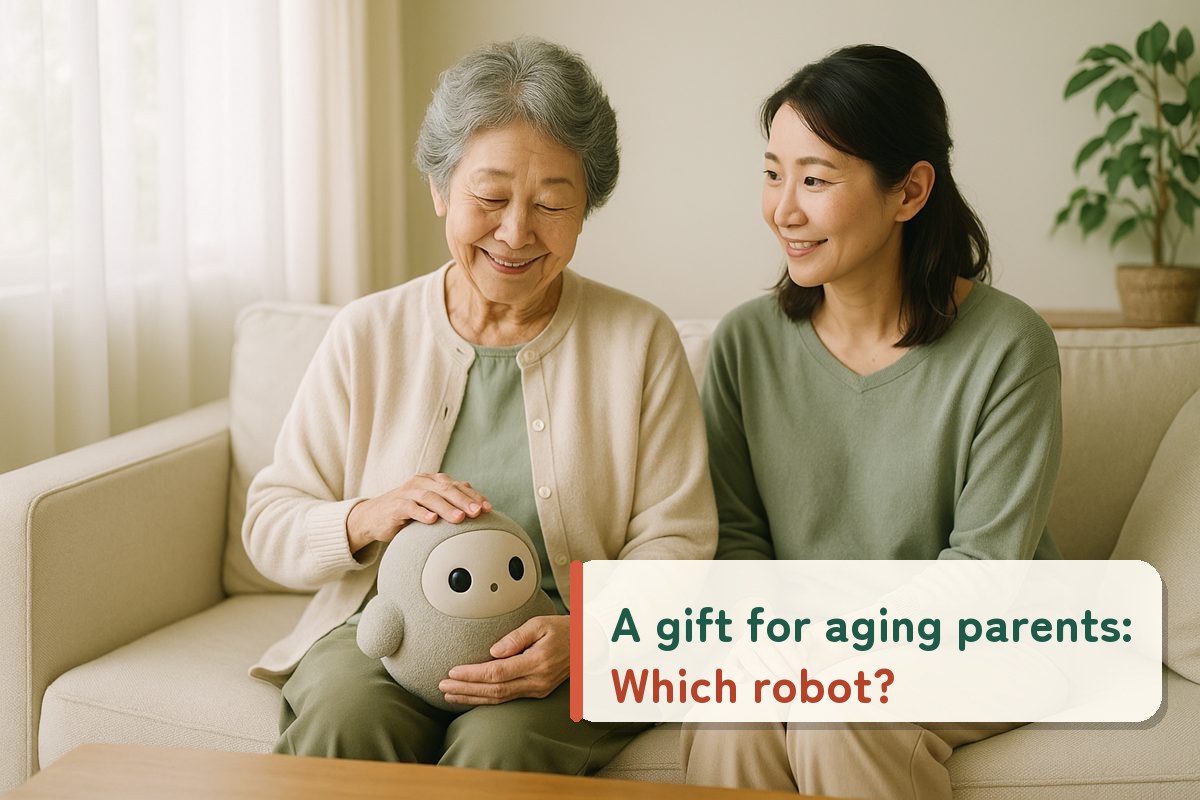
"I want someone for my mom to talk to while she lives alone." "Even from far away, it would be reassuring to know she's doing well." When choosing a robot for an elderly family member, what matters more than a long feature list is whether they can use it without a smartphone and whether it keeps the family informed about how they are doing. We've summarized the key points for choosing, based on official information for 9 models.
RoboPet Life Editorial TeamA media outlet specializing in companion robots / Checked on October 12, 2026 against each manufacturer's official website, user manuals and FAQs
Shop links: the buttons in this article link to online stores in your region. When an affiliate program applies, RoboPet Life may earn a commission from qualifying purchases at no extra cost to you. Marketplaces also list items from sellers other than the official maker, so please check the seller and warranty before you buy.
What you'll learn in this article
The 4 conditions to check for elderly family members (ease of use, monitoring, charging, conversation)
A table of whether a smartphone or Wi-Fi is needed, monitoring features and charging method for 9 models
The 3 types by purpose, with representative models
Differences in what gets shared with the family through monitoring features
Costs for the first year: an estimate
Bottom line
For elderly family members, we recommend choosing based on three points: "Does it work without them having to operate it?", "Does it keep the family informed?" and "Is charging easy?"
If monitoring is your priority, consider BOCCO emo, RoBoHoN or Romi. If you want to bring comfort without using a smartphone or Wi-Fi, Moflin, Qoobo and Petit Qoobo are good candidates. LOVOT and KATA Friends return to their charging stations on their own, but they weigh about 3–5 kg.
1
For elderly family members, choose by "4 conditions"
Reviews aimed at younger people tend to focus on "how smart the conversation is" or "app features." But if you're giving one to an elderly family member, first check whether it can fit comfortably into their daily life.
① Can they get by without using a smartphone?
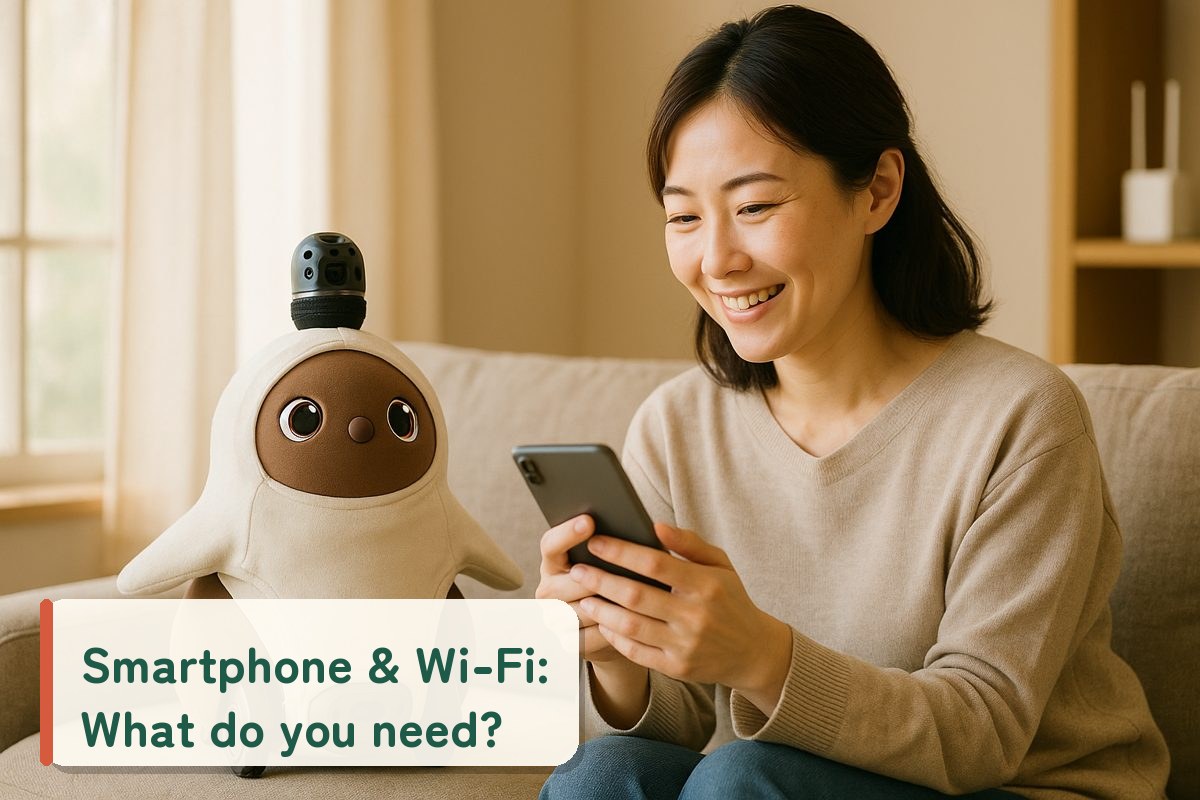
Many models require a smartphone app for the initial setup. If a family member handles the setup, some models can then be used simply by talking to or touching them.
② Does it keep the family informed?
Monitoring methods vary widely by model: exchanging voice messages, a daily life diary, a record of when they spoke to it, camera photos and more.
③ Is charging low-effort?
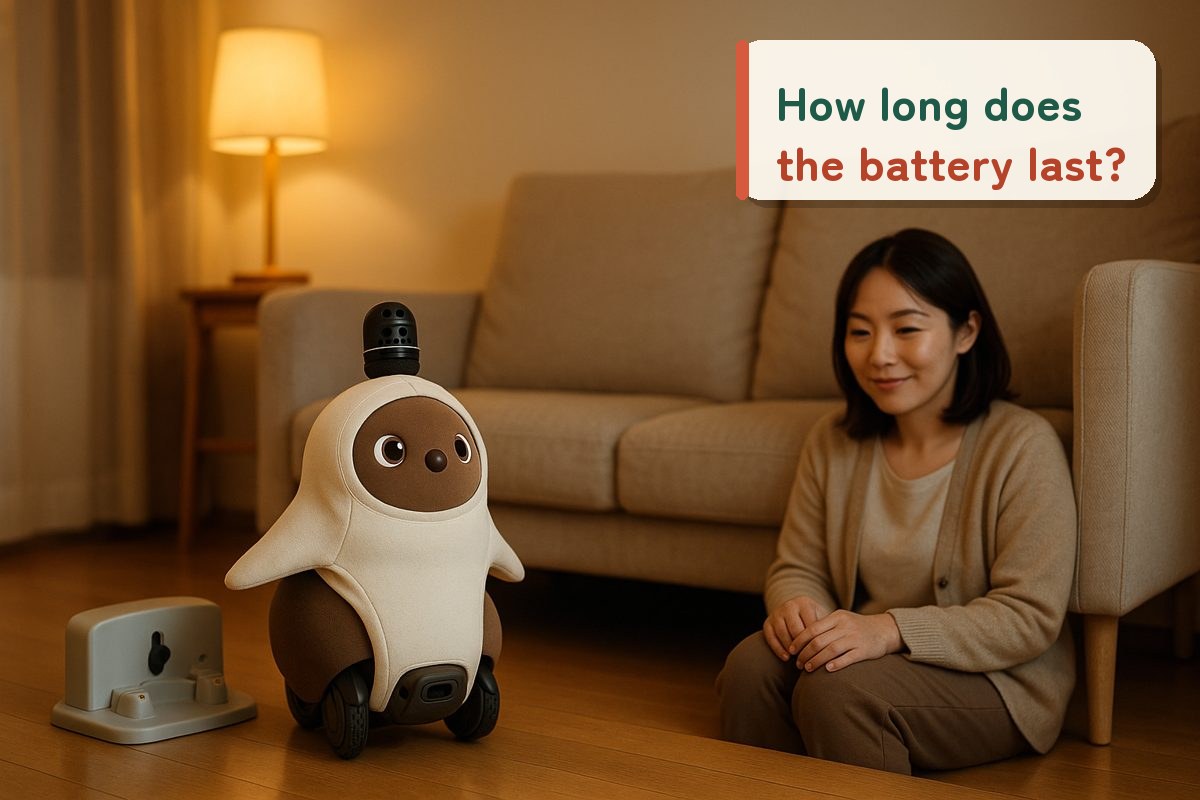
Some models return to their charging station on their own, some must be placed on the charger by hand, and some stay plugged into an outlet. If you're worried about them forgetting to charge it, the charging method is an important condition.
④ Does it talk with words?
Some models can hold conversations in Japanese, while others express their feelings through sounds and gestures. Choose based on whether you want a "conversation partner" or "physical affection."
Editors
Before giving the gift, talking through together with the person, "what it will be there for" will narrow down the models considerably. If monitoring is the goal, also explain to the person how much will be shared with the family.
2
Comparison table of ease of use, monitoring and charging for 9 models
Based on each manufacturer's official website, user manuals and FAQs, we've listed only the items that matter when an elderly family member uses the robot.
* Compiled by the editorial team from each manufacturer's official website, user manuals and FAQs (checked October 12, 2026). "—" indicates items for which no relevant information was found. RoBoHoN's weight is for the LTE model / RoBoHoN Lite (the Wi-Fi model is approx. 360 g). New applications for RoBoHoN's mobile data service closed on February 27, 2025. After initial setup, KATA Friends can do its basic play without a network.
3
3 types to choose from by purpose
The 9 models are easier to choose from when divided into 3 types: "monitoring," "living together" and "comfort without a smartphone". Prices are as shown on each manufacturer's official website (tax incl., checked October 12, 2026).
Monitoring type
Yukai Engineering
BOCCO emo
Fee
LTE model ¥2,970/month (rental, ¥0 initial cost, 4-month minimum)
The Wi-Fi model is normally ¥52,800 (currently out of stock at the official store, which also shows a sale price of ¥33,000)
Monitoring
Exchange voice messages with family. Includes a vibration sensor (LTE model)
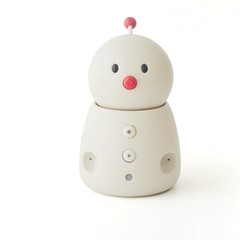
Points:Once linked with a family member's smartphone, all your parent has to do at home is plug it into an outlet. The official website also presents it as an "elderly monitoring robot"
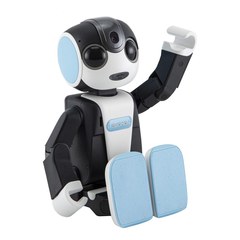
Points:With the "Anshin" app, a daily life diary covering conversations, outings, medication and more is sent to the family every day at 8:30 p.m. (check the official information for supported models)
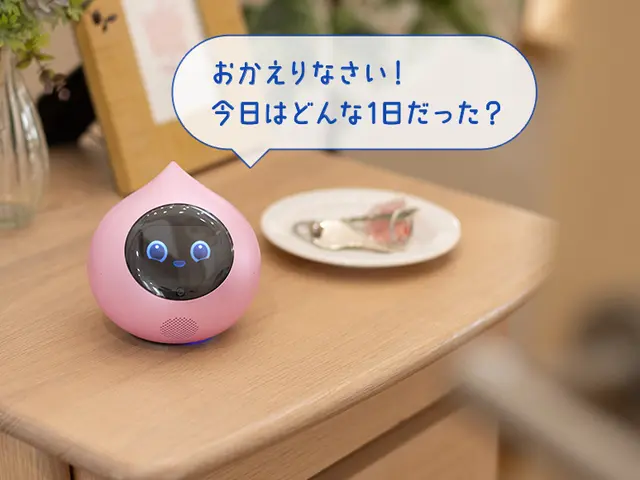
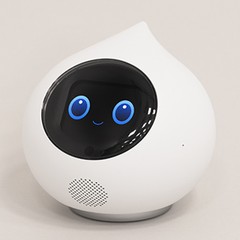
Points:Focused on conversation. Distant family can check in the app "when they spoke to it," and you can also schedule Romi to speak up at times such as when medication is due
From ¥1,980/month (¥19,800/year, etc. 15 days free)
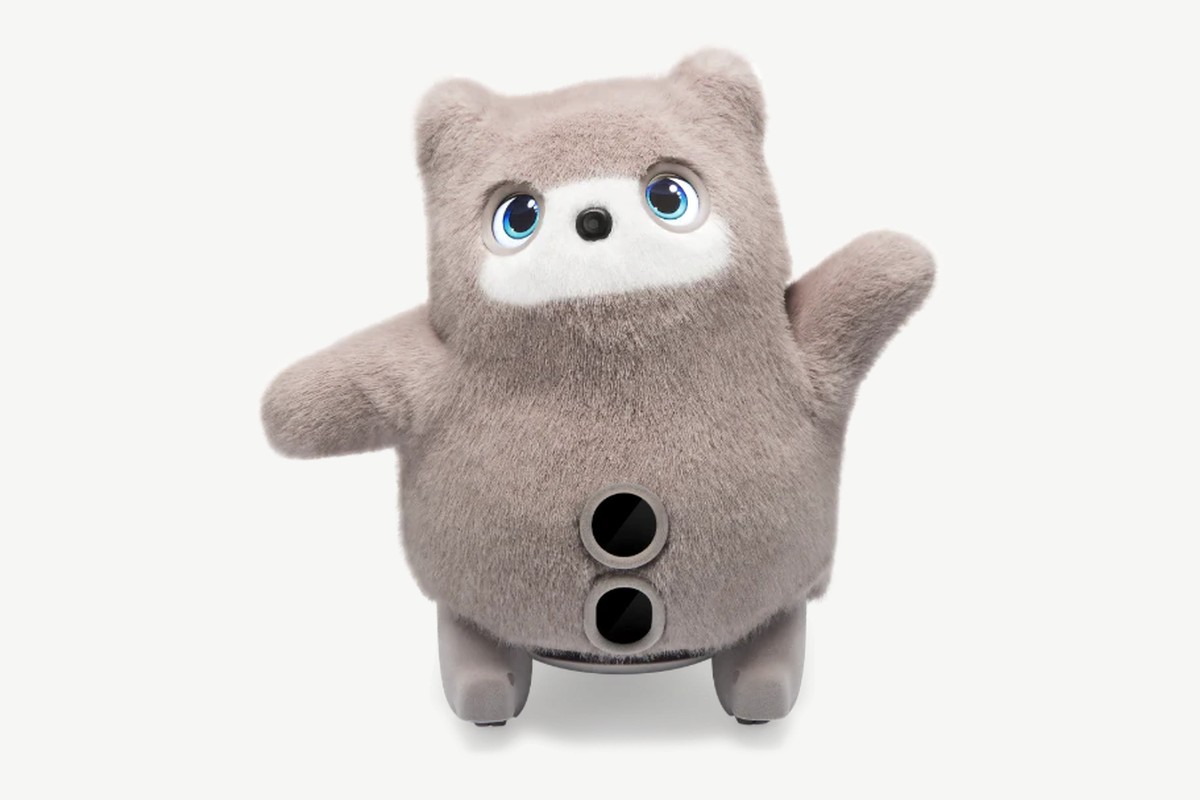
Points:Returns to its bed on its own to charge. The official FAQ suggests enjoying it "together with elderly family members." After the free period, it goes into sleep mode without a plan
Points:No Wi-Fi needed, and the app is optional. The official website also shows it as an example gift for an elderly mother. About 3 hours 30 minutes of charging gives about 5 hours of operation
Points:A cushion-style robot that responds with its tail when you stroke it. Runs for about 8 hours. The official website introduces trial use at care facilities
If you want a "conversation partner," BOCCO emo, RoBoHoN or Romi, which can talk in Japanese, are easy choices; if you want "comfort through touch," go for Moflin or Qoobo, which need no setup.
4
Monitoring features: differences in what the family is told
Although they are all called "monitoring," the amount of information that reaches the family varies quite a bit by model. More information means more peace of mind, but also weigh it against the person's privacy.
Photos & video
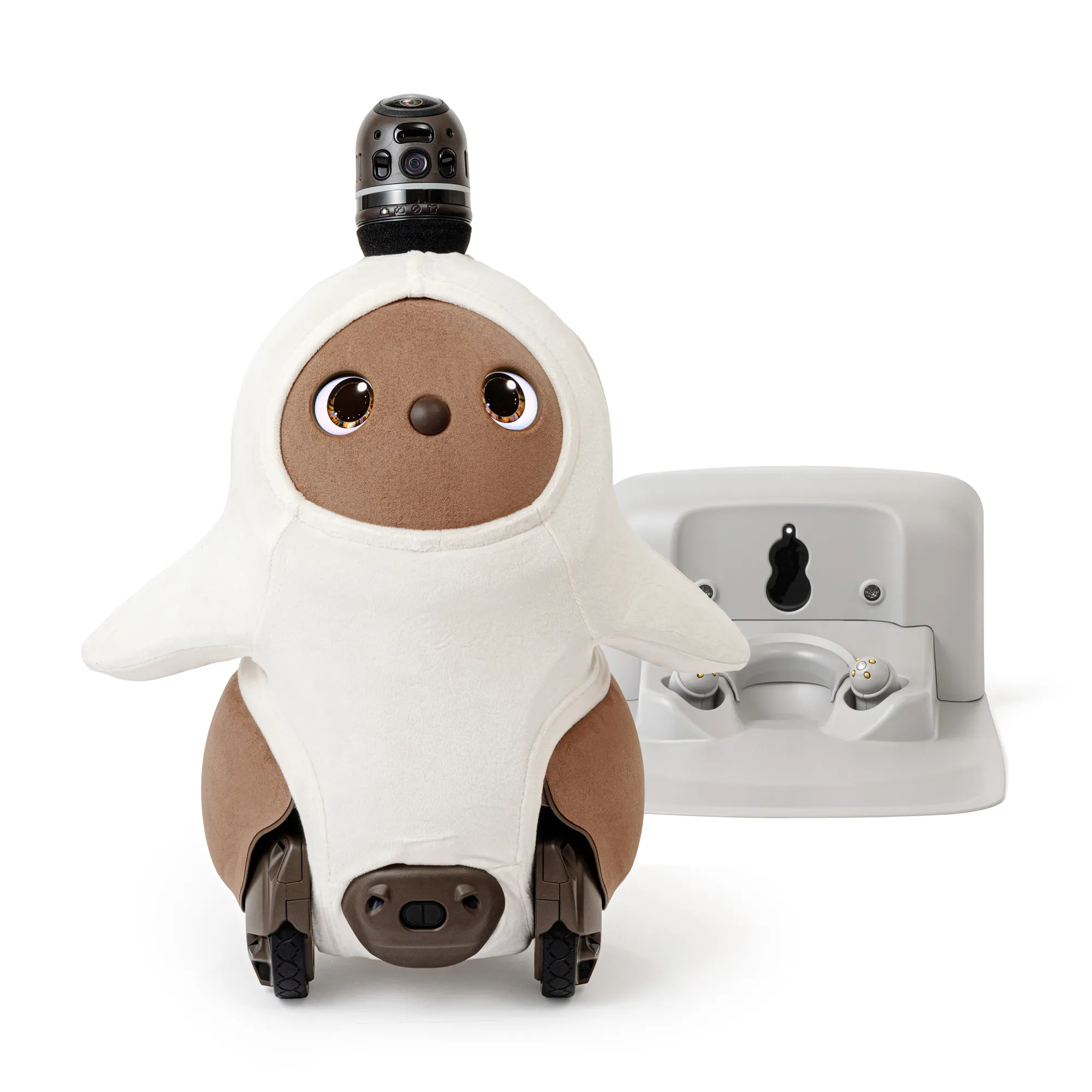
LOVOT 3.0
In "House-sitting" mode it patrols the home and sends a photo when it finds a person. Camera footage can also be viewed from the app (there is a notice before viewing begins, and it can be stopped with Privacy Mode).
Voice & sensors
BOCCO emo
You can exchange voice messages with family, and it sends notifications when its sensors react. It has no camera.
Daily diary
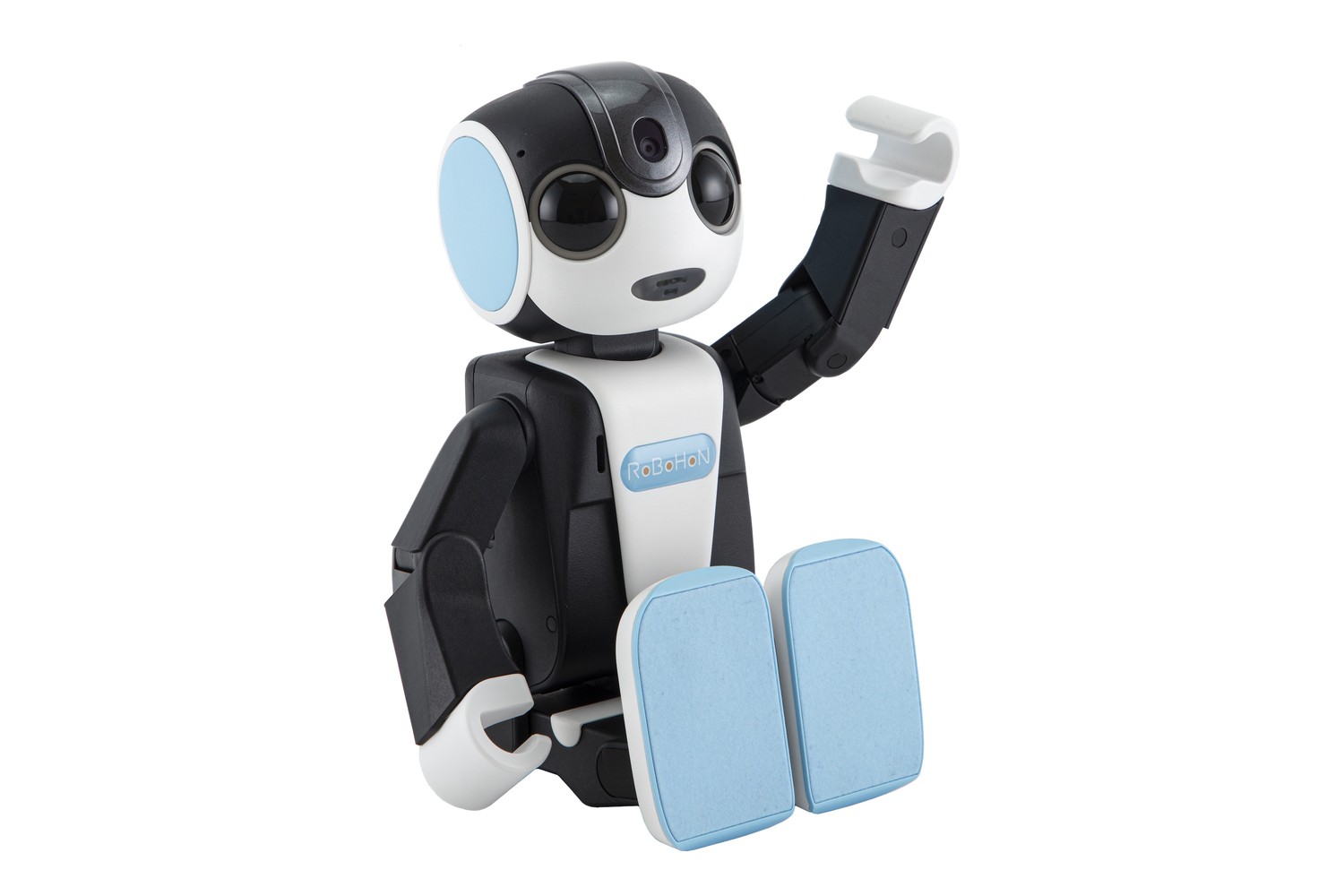
RoBoHoN
With the "Anshin" app, a daily life diary summarizing conversations, outings, medication and more is delivered to the family every day.
Time spoken to
Romi
The "activity log" shows when they spoke to Romi. Camera footage and conversation content are not sent to the family.
No monitoring
Moflin / Qoobo / Petit Qoobo / NICOBO / KATA Friends
There is no information about features that let distant family know how the person is doing. These models are meant for the person's own comfort and conversation.
!
Monitoring is not "a substitute for caregiving or home security"
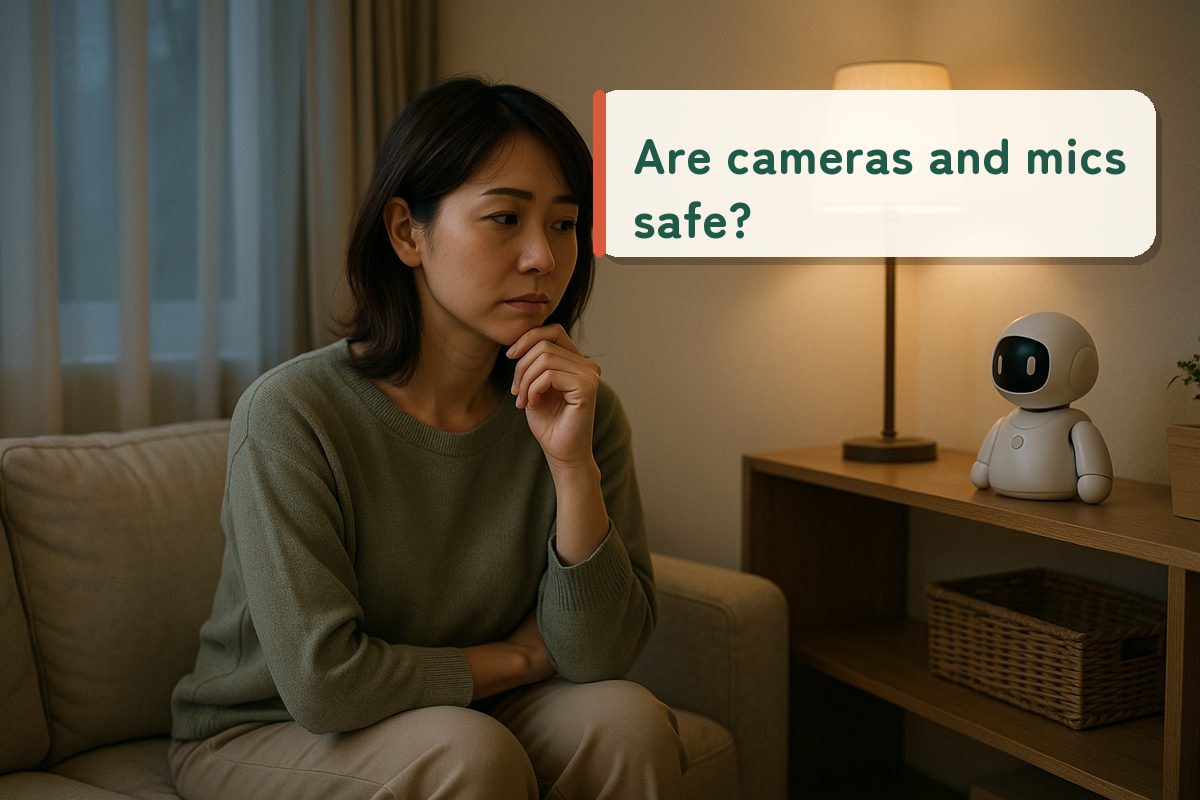
A companion robot's monitoring features supplement the family's peace of mind. For things like sudden changes in health, consider combining them with monitoring from local governments or professional services. For models with a camera, it's important to get the person's consent before setting it up.
5
Comparing first-year costs
When giving one as a gift, you also need to decide who will pay for the monthly plan. We estimated the total of the device price plus the required plan for the first year (12 months).
Device priceRequired costs for 1 year
LOVOT 3.0¥696,300
KATA Friends¥149,600
Romi¥118,360
RoBoHoN Lite¥107,448
NICOBO¥73,700
Moflin¥64,900
BOCCO emo LTE¥35,640
Qoobo¥17,600
Petit Qoobo¥14,300
* Estimates calculated by the editorial team from official prices as of October 12, 2026. Assumptions: LOVOT = ¥577,500 + Minimum Care ¥9,900/month × 12 / KATA Friends = ¥129,800 + Lite ¥19,800/year / Romi = ¥98,780 + ¥19,580/year / RoBoHoN = RoBoHoN Lite ¥95,590 + ¥1,078/month × 11 (first month free) / NICOBO = ¥60,500 + ¥1,100/month × 12 / BOCCO emo = LTE model rental ¥2,970/month × 12 (the device is rented and must be returned). Optional plans, shipping, installment fees and promotions are not included. For costs from the second year onward, see the difference between models that require a monthly fee and those that don't, where we estimate 3-year totals.
When giving a model with a monthly fee, decide in advance whether the contract and payments will be in the family member's name or the person's own name. It's also important to settle who will handle cancellations and report breakdowns.
6
8-item checklist before giving one as a gift
?
How to use
Open the official website (pricing, FAQ, user manual) of the model you're considering, and check off each item you were able to confirm. Any unchecked items are things you still need to look into before giving the gift.
Q
Frequently asked questions
Which companion robot is best for elderly parents?
We recommend choosing by purpose. If family living far away want to know how the person is doing, models with monitoring features such as BOCCO emo, RoBoHoN (Anshin app) and Romi (activity log) are good candidates. If you want to bring comfort while avoiding smartphone and Wi-Fi setup, models that work without a smartphone or Wi-Fi, such as Moflin, Qoobo and Petit Qoobo, are a good fit.
Can elderly people who aren't comfortable with smartphones use them?
Some models can be used. Moflin, Qoobo and Petit Qoobo work without a smartphone (Moflin's app is optional). Once BOCCO emo is linked with a family member's smartphone, all the person has to do at home is plug it into an outlet. Romi, NICOBO, KATA Friends and LOVOT require a smartphone app for initial setup, so plan on a family member handling the setup.
Can it be used if my parent's home has no Wi-Fi?
BOCCO emo's LTE model (¥2,970/month rental) works without Wi-Fi. Moflin, Qoobo and Petit Qoobo don't use Wi-Fi. Romi, NICOBO and RoBoHoN require Wi-Fi. New applications for RoBoHoN's mobile data service closed on February 27, 2025.
Can camera footage be viewed with the monitoring features?
It depends on the model. BOCCO emo has no camera, and Romi's activity log doesn't send camera footage or conversation content. With LOVOT, camera footage can be viewed from the app; there is a notice before viewing begins, and it can be stopped with Privacy Mode. For models with a camera, get the person's consent before deciding how to use it.
The information here was compiled by the editorial team from manufacturers' publicly available information and was not verified with actual devices. Prices and plans are subject to change. Photos in this article are for illustration only.


 BOCCO emo
 RoBoHoN
 Romi
Romi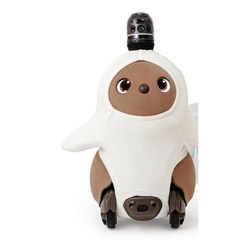 LOVOT 3.0
 KATA Friends
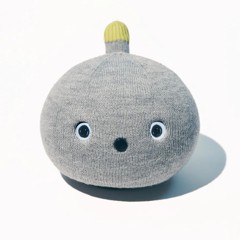 NICOBO
 Moflin
 Qoobo
Qoobo Petit Qoobo
 Monitoring type