RoboPet Life > Guide > Pre-purchase concerns
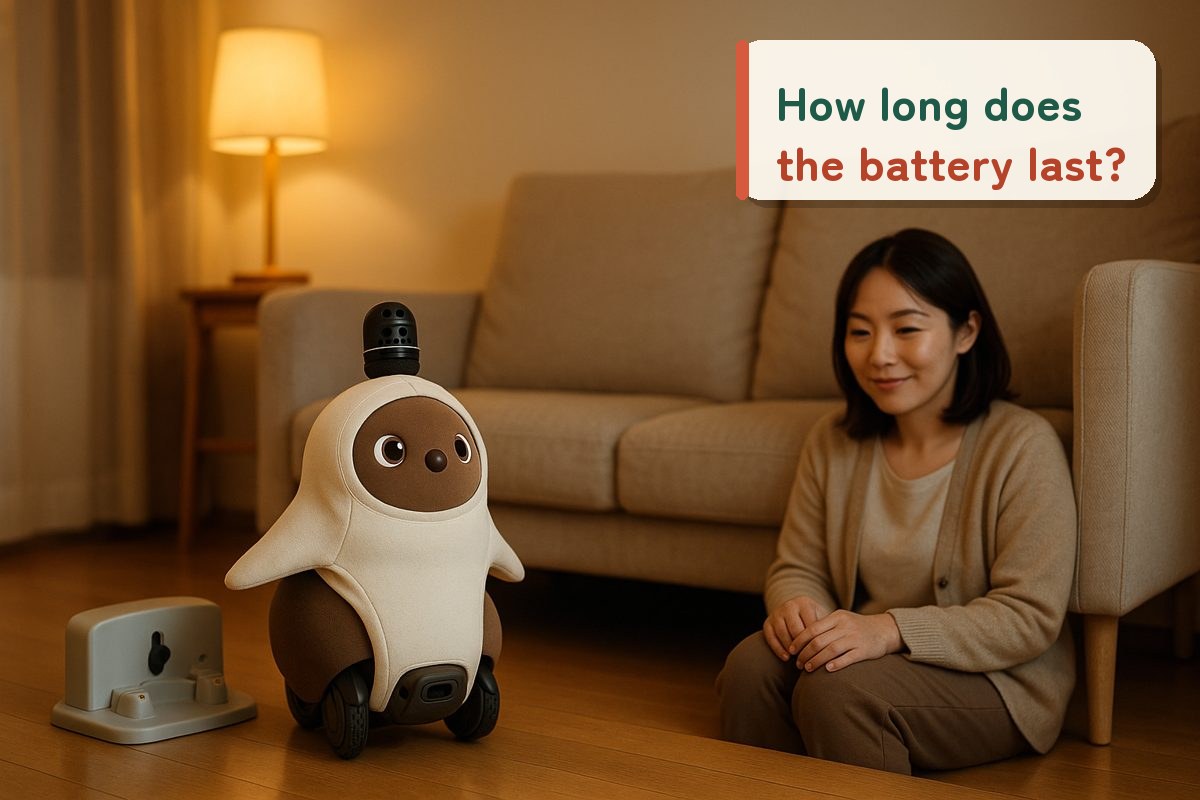 Checked against official info for 8 models
How Long Does a Companion Robot's Battery Last? 8 Models Compared, Including Behavior While Charging [2026 Edition]
"Will it just become an ornament when the battery runs out?" "How much effort does it take every day?" Before bringing a robot home, battery and charging are common worries. Runtime varies enormously by model, from about 45 minutes to about 8 hours. Based on official information for 8 models, we sorted out how long each runs, how it charges, and what happens while charging.

Shop links: the buttons in this article link to online stores in your region. When an affiliate program applies, RoboPet Life may earn a commission from qualifying purchases at no extra cost to you. Marketplaces also list items from sellers other than the official maker, so please check the seller and warranty before you buy.
What you'll learn in this article
- How the estimated continuous runtime of 8 models compares
- Charging time, charging method and behavior while charging at a glance
- The difference between models that return on their own to the dock and models a person places
- Official policies on battery lifespan and replacement
- A pre-purchase 7-point checklist
According to official estimates, continuous runtime varies widely, from about 30–45 minutes for LOVOT 3.0 to about 8 hours for Petit Qoobo. Some models are designed to charge frequently in short bursts, while others can be used for long stretches, so you can't choose by "how many hours it lasts" alone.
If you check three points on the official website before buying, (1) the runtime and charging cycle, (2) how it charges (whether it returns automatically), and (3) battery lifespan and replacement, you can picture the daily effort involved. For running costs, see our article on whether there is a monthly fee, and for what happens when it breaks, see what repair and support are really like.
How many hours of continuous runtime? Comparing estimates for 6 models

We lined up the estimated continuous runtime listed in official specs and FAQs, from shortest to longest. The figures are estimates that vary with usage and temperature, not guaranteed values.
 LOVOT 3.0About 30–45 min
 RomiAbout 180 min
 KATA FriendsAbout 3 hrs
 NICOBOAbout 3.5–4.5 hrs
 MoflinAbout 5 hrs
 Petit QooboAbout 8 hrs
* Bar lengths show the upper end of each manufacturer's official estimate (8 hours max = 100%). RoBoHoN (assumes 1+ day of real-world use) and Poketomo (no runtime listed in the user manual) are excluded because their conditions differ. LOVOT 3.0 is designed to repeat a cycle of about 30–45 minutes of activity plus about 15–30 minutes of charging.
EditorsCharging time, charging method and behavior while charging for 8 models [Official information]
We summarized what each company's official website and user manual say. "—" marks items not found in official materials.
| Model | Est. continuous runtime | Charging time | How it charges | Behavior while charging | Battery lifespan / replacement |
|---|---|---|---|---|---|
| LOVOT 3.0 | Cycle of about 30–45 min of activity + about 15–30 min of charging | Standalone full-charge time not officially listed | Charges on the Nest (charging station). Returns to the Nest automatically | Charges slowly while sleeping to reduce wear. Whether it moves while charging is not officially stated | Replacement at LOVOT Dock recommended about once every 2 years |
| Moflin | About 5 hours (at 25°C; not a guaranteed time) | About 3 hours 30 minutes (at 25°C) | Wireless charging by placing it in its dedicated house | Starts moving as charging progresses; green LED lights when complete. Charging stops automatically even if left in place | You cannot replace the battery yourself |
| Petit Qoobo | About 8 hours (depends on activity frequency) | About 4–8 hours | Connect the included AC adapter and cable to the charging port beside the base of the tail | Can stay awake and move while charging | The battery is a consumable part. Internal battery replacement is not covered by the warranty. Paid part replacement is available |
| Romi (Lacatan model) | About 180 minutes (varies with battery condition) | About 2 hours (about 3 hours if used while powered on) | USB Type-C. AC adapter and cable included | Recommended to use powered on with the cable connected | The battery cannot be removed by the customer |
| KATA Friends | About 3 hours (with normal conversation) | About 1 hour to a playable level (about 50%) / about 3–4 hours to full | Charging station called the "Negura" (den). Returns on its own when called | A charging icon appears in its eyes when it returns to the den. Daytime behavior while charging is not officially stated | The battery is not user-removable. Replacement guidance is not officially stated |
 Poketomo Poketomo | —Not listed in the user manual | About 100 minutes | USB Type-C (adapter sold separately), or place it on the optional desktop charging holder | Long conversations while charging may raise the temperature and stop charging | The built-in battery is a consumable. Repeated charging shortens the usable time per charge |
 RoBoHoN RoBoHoN | 1+ day of real-world use (assuming about 130 min of use per day) | About 130 minutes | Desktop holder (sold separately), AC adapter or PC | While charging via AC adapter or PC, it can talk but its body does not move | The built-in battery is a consumable. Covered by repair support |
| NICOBO | About 3.5–4.5 hours (depends on how you interact) | About 4–7 hours (from sleeping to awake) | Charges on its charging bed, the "Nedoko" | —Not confirmed in official announcement materials | —Not confirmed in official announcement materials |
← Scroll the table horizontally →
* Compiled by the editorial team from information checked on each manufacturer's official website on Oct 13, 2026. Figures are estimates and vary with usage environment and battery condition. Items not officially listed are not included. Please check each company's website for the latest specifications.
Where to buy the main models
EditorsThree ways to charge: does it return on its own, get placed, or plug in?

The effort of charging depends on who starts the charging. From the official descriptions, models fall into three types.
LOVOT 3.0 remembers the Nest it last charged on and returns automatically, while KATA Friends returns to its charging station, the "Negura" (den), when called. When LOVOT can't get back, a person carries it to the Nest.
Moflin charges wirelessly when placed in its dedicated house, and NICOBO charges on its charging bed, the "Nedoko." Poketomo and RoBoHoN can also be placed on optional desktop holders.
Petit Qoobo connects to the charging port beside the base of its tail, and Romi connects with a USB Type-C cable. Poketomo charges via USB Type-C (adapter sold separately), and RoBoHoN can also charge with an AC adapter and microUSB cable, or from a PC (USB).
EditorsWhat about battery lifespan and replacement? Official policies
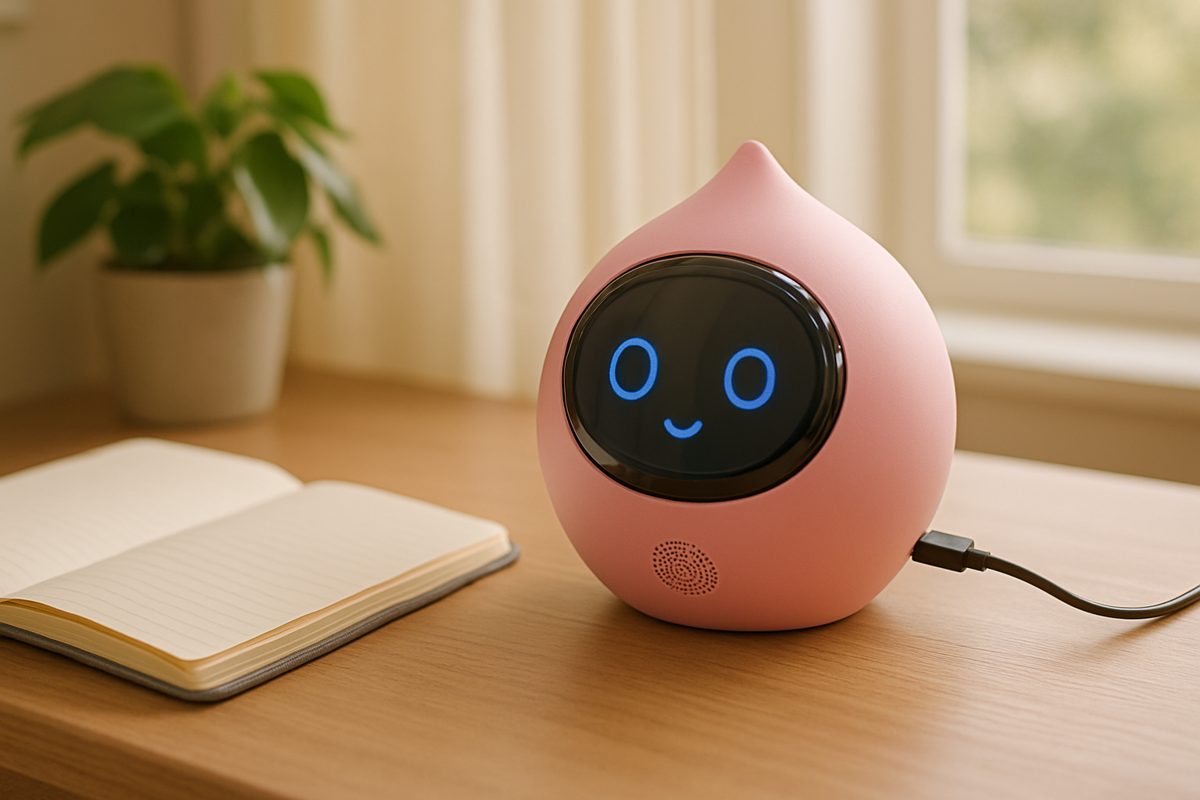
On every model, the battery is treated as a consumable that gradually weakens with use. Here is what the official information says.
LOVOT advises replacing the lithium-ion battery at LOVOT Dock about once every 2 years (about once every 1.5 years for LOVOT 2.0 and the first generation). Another guideline is when runtime per charge drops to 30 minutes or less.
Petit Qoobo treats the battery as a consumable part not covered by the warranty, but accepts paid part replacement (may not be possible depending on the symptoms).
Moflin states that "you cannot replace the battery yourself," and Romi states that it "cannot be removed by the customer." KATA Friends also uses a non-removable lithium battery.
For some models, such as NICOBO, no specific information on replacement could be found in official announcement materials. Contacting official support before purchasing is the surest way to find out.
Three tips for making the battery last

Petit Qoobo advises "unplug the charger after a full charge; continuous charging shortens battery life," whereas Romi says "it's fine to keep it charging," and Moflin says it can stay in place even after the green LED lights. The answer is the opposite depending on the model.
Romi notes that charging may slow down or stop under loads such as high temperatures, and Poketomo may also stop charging due to a temperature rise if you talk for a long time while charging. Moflin's battery life is said to be shorter at low temperatures.
Moflin advises charging it at least once every six months, until the LED turns green, even when not in use. KATA Friends likewise advises charging to about 70%, turning it off during long absences, and charging it every 6 months.
Editors7-point pre-purchase checklist

Open the official website of the model you're interested in (product page, specifications, FAQ, user manual) and check off each item you were able to confirm. Any unchecked items are things you still need to look into before buying.
Frequently asked questions
How many hours does a companion robot's battery last?
Can I play with it while it's charging?
Can the battery be replaced when it weakens?
What should I do when I won't use it for a long time?
Find a robot by purpose
Sources (checked Oct 13, 2026)
- LOVOT 3.0:Specifications/How it returns to the Nest/LOVOT Dock/Battery maintenance
- Moflin:User manual/FAQ (charging time)
- Petit Qoobo:Support & FAQ/User manual
- Romi:FAQ (usage time)/FAQ (charging time)/FAQ (use while charging)/Lacatan model specifications
- KATA Friends: Official support/Official page
- Poketomo: User manual
- RoBoHoN:Product information/How to charge
- NICOBO:Panasonic press release
This content was compiled by the editorial team from manufacturers' publicly available information and was not verified with actual devices. Features and services may change. Photos in this article are for illustration only.